Microsoft 365 Training
- Category: Office tools
- Duration: 2 to 3 days
- Level: Beginner to intermediate
- Price: from 900 € excl. VAT / day
- Course outline: Suite_Microsoft.pdf
- Interested in this course? Contact
- Course catalogue: Academy.pdf
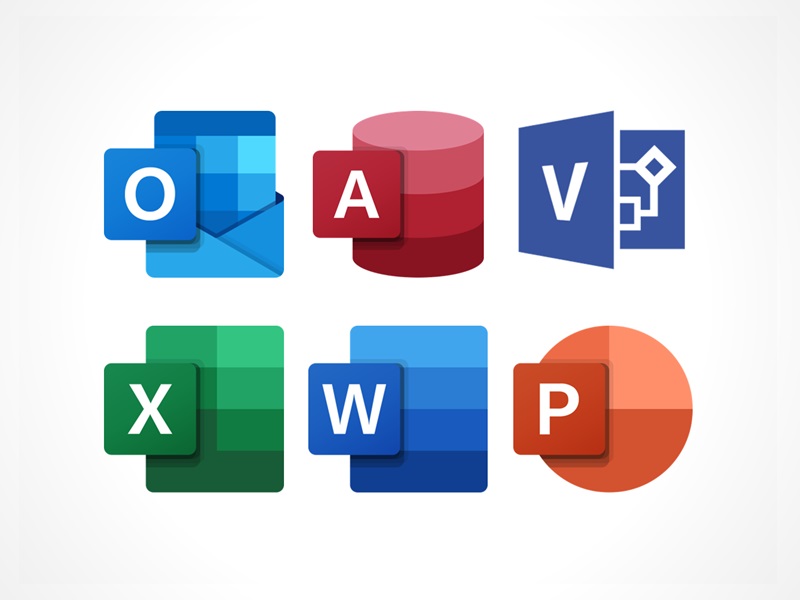
The Microsoft suite comprises Excel, Word, PowerPoint, Outlook, Access and Visio. In this course you customise the components of the track by focusing more or less on the tools of your choice: we build the syllabus from the objectives of each application and the level of your teams.
Microsoft 365 Training
Detailed programme
-
Learning objectives
- Build reliable spreadsheets and automate data analyses with Excel.
- Use sorting, filtering and consolidation tools to handle large volumes of data.
- Structure and format professional documents quickly with Word.
- Create dynamic, impactful presentations with PowerPoint's advanced tools.
- Manage email, calendar and tasks efficiently with Outlook.
- Design clear, visual organisation, flow or process diagrams with Visio.
- Build and query a simple relational database with Access.
- Set up automated activity-tracking processes with Excel and Outlook.
-
Syllabus (to be customised)
The track is made of half-day to one-day modules per tool. Example three-day track for an administrative team:
Day 1 — Excel
Tables, essential formulas, conditional formatting, sorting and filtering, pivot tables, charts.
Day 2 — Word and PowerPoint
Styles, templates, automatic tables of contents, mail merge; slide masters, visuals, restrained animations, effective presentations.
Day 3 — Outlook, Visio or Access
Email and calendar management, rules and tasks; or process diagrams with Visio; or a first database with Access.
For a technical team, the same time can be devoted to advanced Excel, Visio and an automated Excel + Outlook tracking module. Dedicated Excel, Visio and Microsoft Project courses are also available.
-
Audience and prerequisites
Engineers, project managers and anyone handling data and documentation. Prerequisites: ability to use a computer in a Windows or Mac environment.
-
Teaching methods and assessment
Course materials per tool, corrected exercises on your documents, end-of-course assessment reviewed by Numersalis, certificate of completion.
Details
F.A.Q
Frequently asked questions
-
How is the syllabus composed?
During the first call, we list the tools your teams use and their concrete difficulties; we then propose a split of the days per tool, which you validate.
-
Can participants have different levels?
Yes. A short questionnaire before the session lets us form homogeneous groups or plan differentiated exercises.
-
Do you work on Microsoft 365 online or on the desktop applications?
On the desktop applications installed in your company, pointing out the differences with the online versions (missing functions, co-editing, sharing).
Other courses








interested in a course?
Contact
Address :
12 Rue Jean Pacilly
91120 Palaiseau
Email :
info@numersalis.com
Phone :
+33 9 77 37 82 45
they trusted us
Our clients